Kivara for the customer is a site that allows online shopping with ease and effectiveness. The advantage of Kivara is to harness and collect all stores of different categories under one platform, in order to make it easier for the customer to find what he is looking for at the best price and in the shortest time.
* As far as positioning on the map is concerned, it is for identifying the country you belong to.
* The phone number must correspond to the location you specified on the map. Example: If you put your location, for example, in Algeria, if you enter a non-Algerian phone number, registration will not be accepted.
On this page you will find a selection of stores classified by category in addition to an interactive map that allows you to easily find the stores near you and the rest of the stores. You can also find the products offered by the stores where you can find the most sold products then the best categories of the month and then you can find The rest of the products are classified according to the categories and according to the distance between you and the owner of the product - the store -.
On this page you can search for stores or products.
On this page, you can find all the stores according to their categories, classified according to the distance between you and the store, in addition to their location on the map.
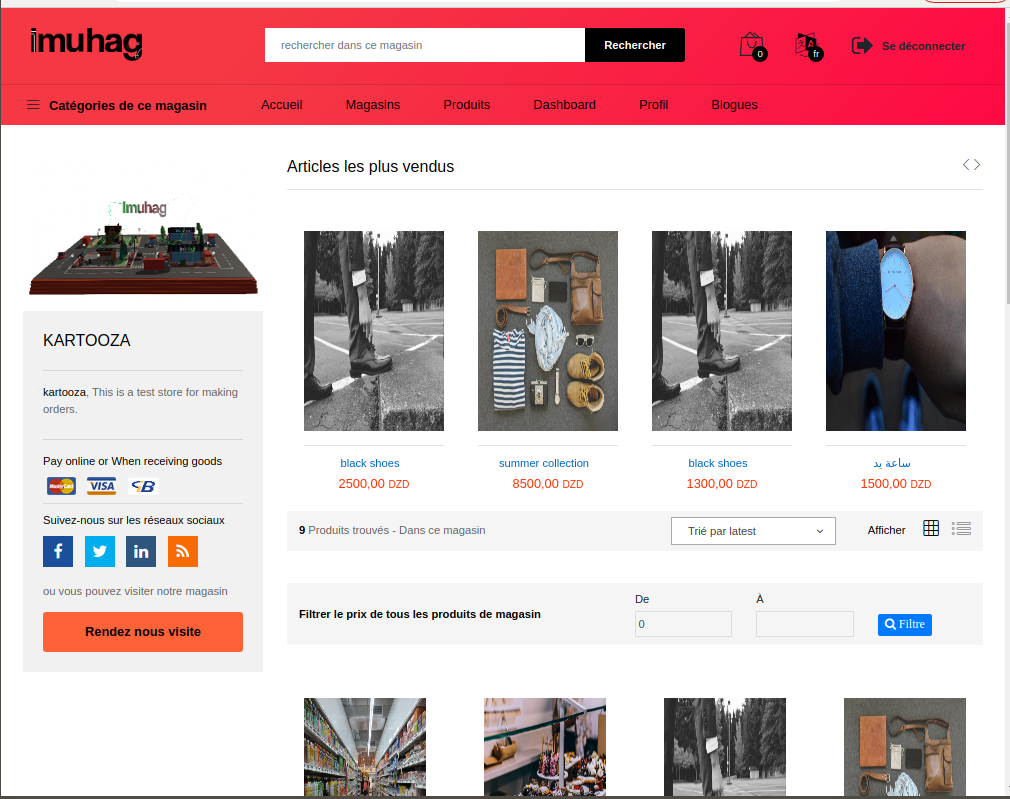
This page is reserved just for the store, that is, all the products on this page belong to the store.
This page contains all the products contained in the stores registered on the site.
* After pressing confirm you will be directed to a page informing you that your order has been successfully created with the provision of an order number,,, all you have to do is click on this number to view order details and track order status.
* In the product basket, if you want to change the number, click on "Update" to confirm the change Order quantity.

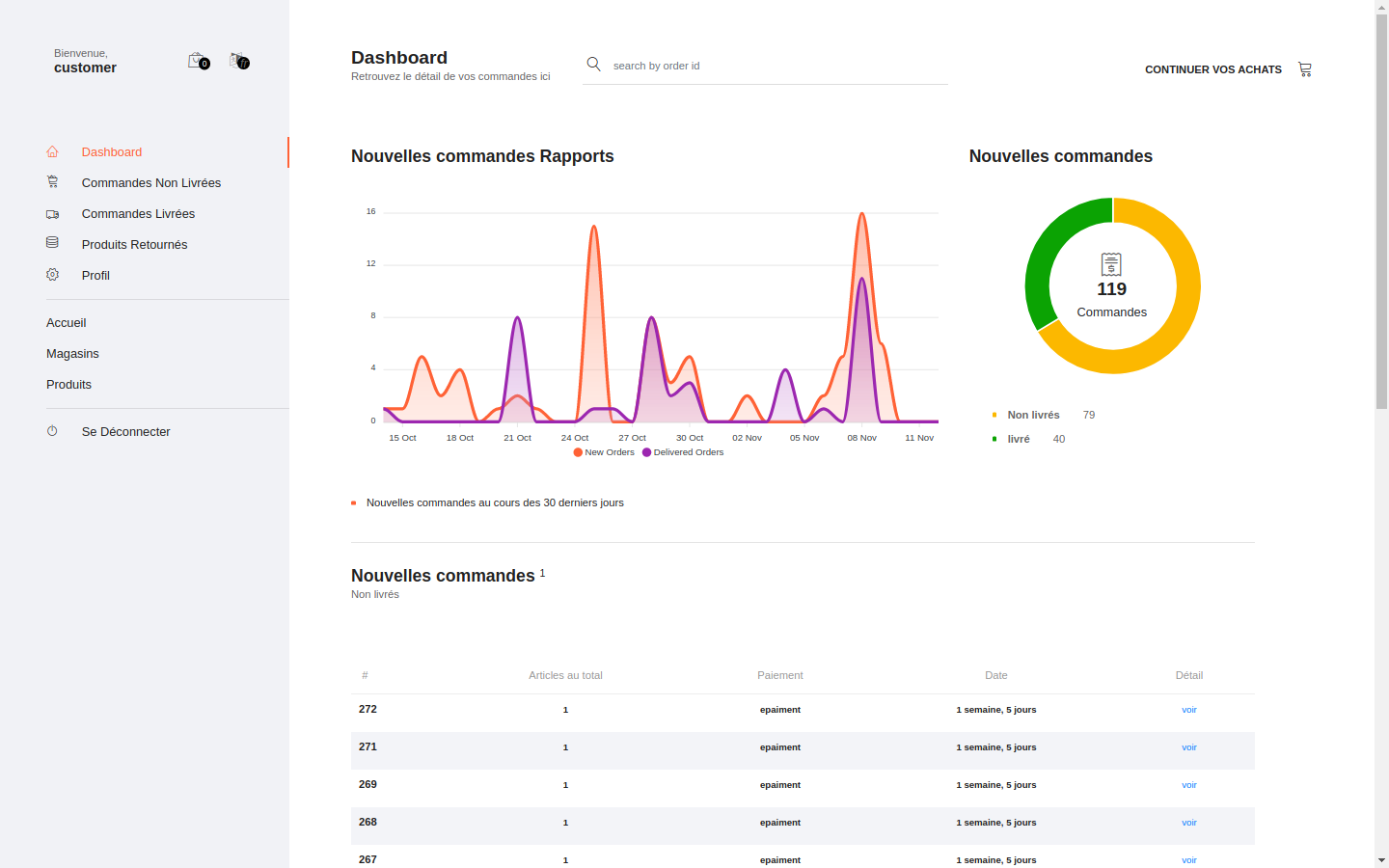
To track your order, simply click on the order number after creating the order, or search for the order number on the Dashboard page, or scan a barcode if the order is received. After reaching the "Order Details" page, you can find all the information.
In case of an order in several stores, you will find in "Order Details by Stores" all the information for each store, where an order number is added to the store and specifies the store name. By clicking on Show, you will be directed to the order detail page by stores...example: in case of ordering from two stores "A" and "B", after creating the order, an order number is assigned, for example "100" on the order detail page in the table "Order Details by Stores", you will find stores "A" and "B" where each store receives the order number "100", plus a special number. Where to view the details of the ordered items in store A, you need to click on "View", which will take you to the order detail page of the selected store.
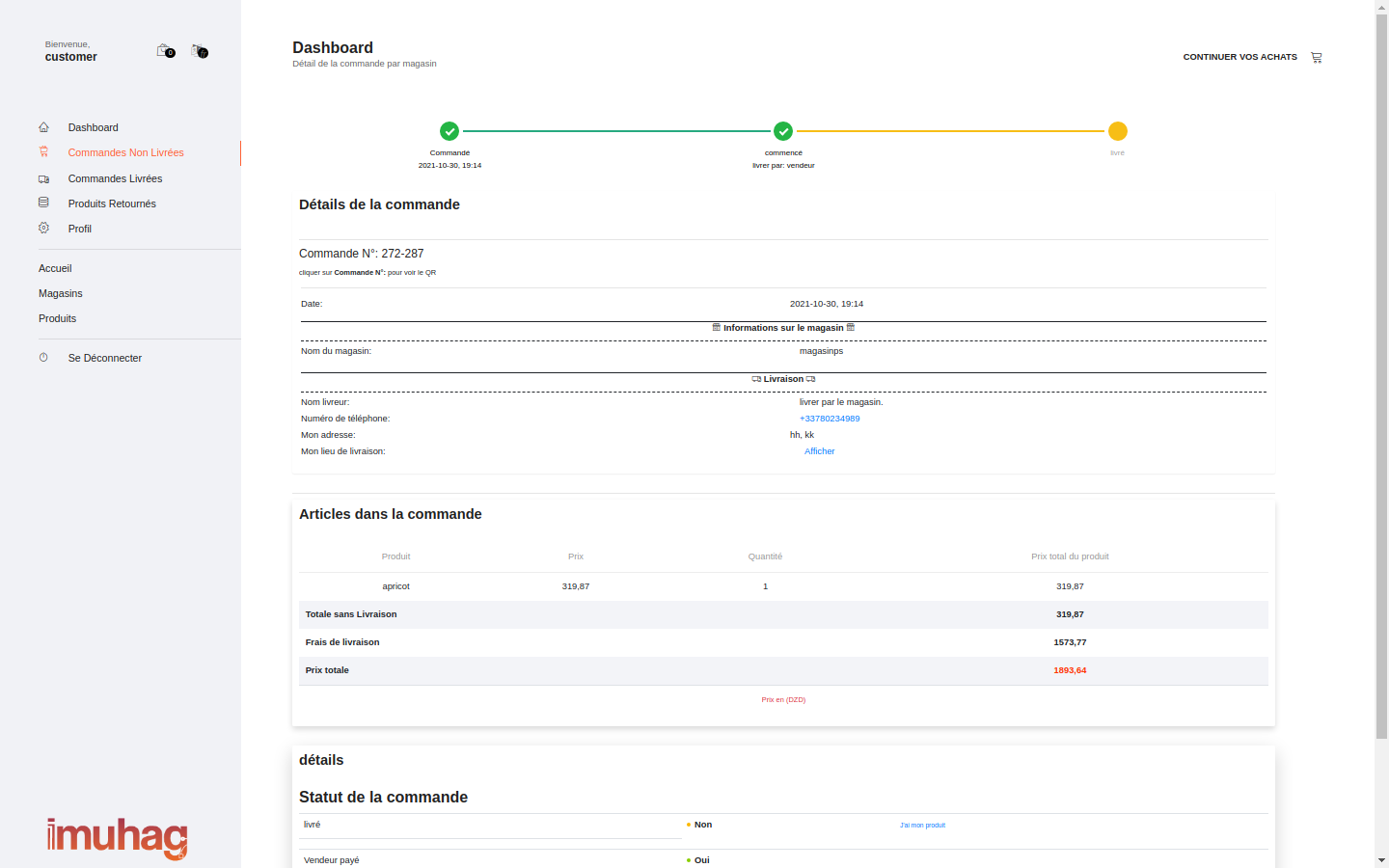
In the case where the order arrives, you simply have to confirm the arrival of the order and settle the charges if you have not paid electronically.
* In order to find an order, you can scan the barcode or by searching for the order number on the dashboard page.
This feature allows you to go to the store to pick up your order or order directly from inside the store, and take the order in this feature will not calculate any delivery price and the store will not deliver the order to you. You can activate this feature on the order confirmation page, where you just have to choose *Get my product*, which will create your order, and you can collect it by following these steps:
In case you want to return your order, you just have to click on "Return", you will find it at the bottom of the order detail... You can return after the product has reached you for a period of three days from the date of confirmation of receipt of the order...
After the order is returned, you will be refunded free of charge for delivering the order, electronically or by hand depending on the payment method of the order, and you will also be required to pay the cost of returning the order if the store owner selects this feature The cost of returning orders ordered from his store with mention of the price.
Click "Back" under order details
Write the reason for the return and press return.
After the return has been accepted and the item has been returned to the seller, your money will be returned to you without the delivery costs, i.e. the total price of the items ordered in the store.
If paying electronically, your money will be returned to you electronically, and if paying on delivery, you will be paid when the item is returned.
To change the phone number, just go to Profile >> Security >> and click on Change
You will be directed to the edit phone number page, enter the country code, then the new phone number, then the password, then tap update,
After acceptance of the return and return of the item to the seller, your money will be returned to you without the delivery costs, i.e. the total price of the items ordered in store.
The phone number in red: it's not done yet.
To change the password, just go to Profile >> Security >> and click on Edit.
You will be directed to the change password page, enter the old password, then the new password, and retype the new password. Then click Update.
To edit the email, just go to Profile >> Security >> and click Edit.
You will be directed to the edit email page, enter the password and new email, then click update, you will receive a confirmation email, click the link it contains to activate the new email.

 English
 français
 العربيّة